How Londoolink Works
Three steps from signup to your first AI-powered briefing.
Sign in with Auth0
Secure authentication via Google or email. Auth0 Token Vault stores your OAuth credentials — your agents never touch raw tokens.
Connect Your Services
Link Google (Gmail + Calendar) and Notion. One click — Auth0 handles the OAuth flow and securely vaults your access tokens.
Get Your Daily Briefing
Your AI agents analyze your inbox, calendar, and Notion pages. Urgent tasks trigger SMS alerts. You stay focused.
Meet Your AI Agents
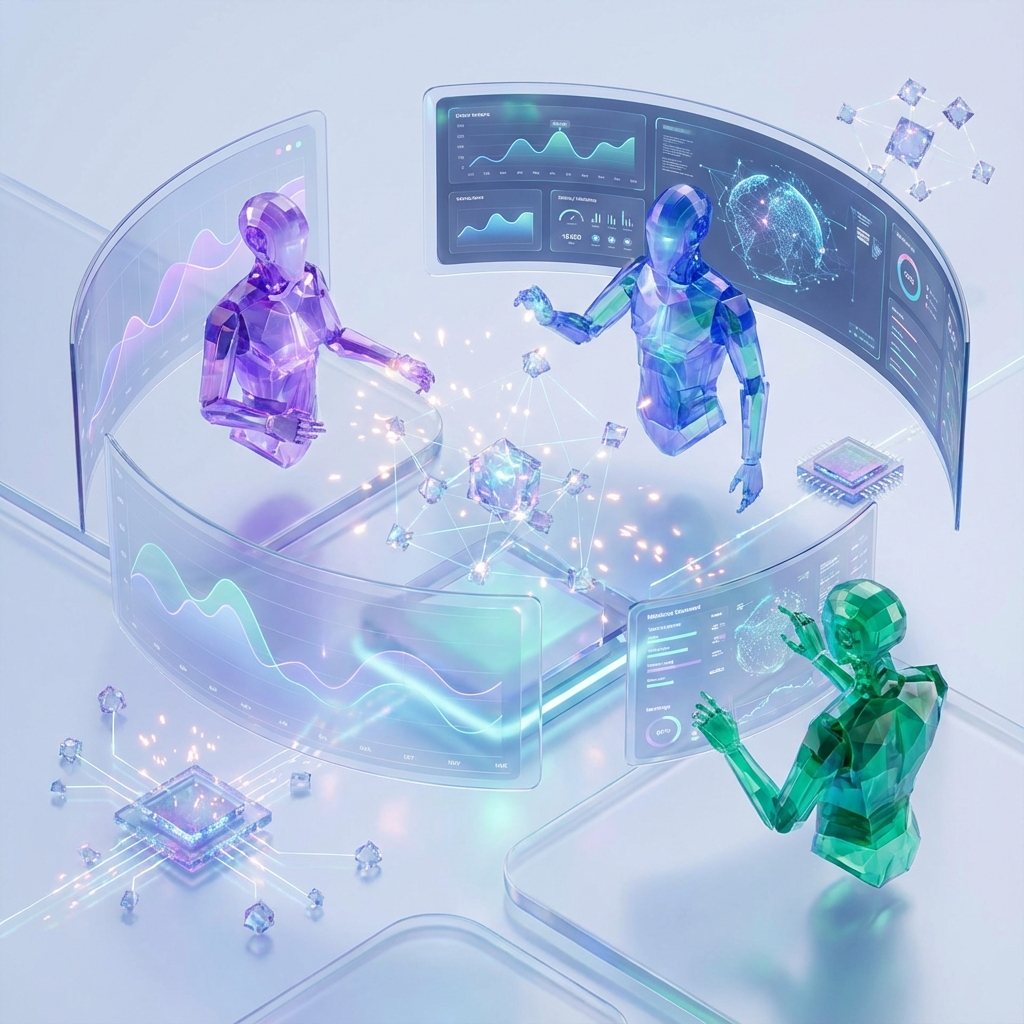
A team of specialized agents coordinated by LangGraph, each an expert in their domain.
Email Agent
Reads and prioritizes your Gmail. Surfaces urgent messages and drafts responses.
Calendar Agent
Tracks your schedule, flags conflicts, and prepares you for upcoming meetings.
Notion Agent
Reads your Notion workspace to surface relevant pages and action items.
Priority Agent
Synthesizes all agent outputs into a ranked daily briefing with SMS alerts for urgent tasks.
Your credentials never leave Auth0
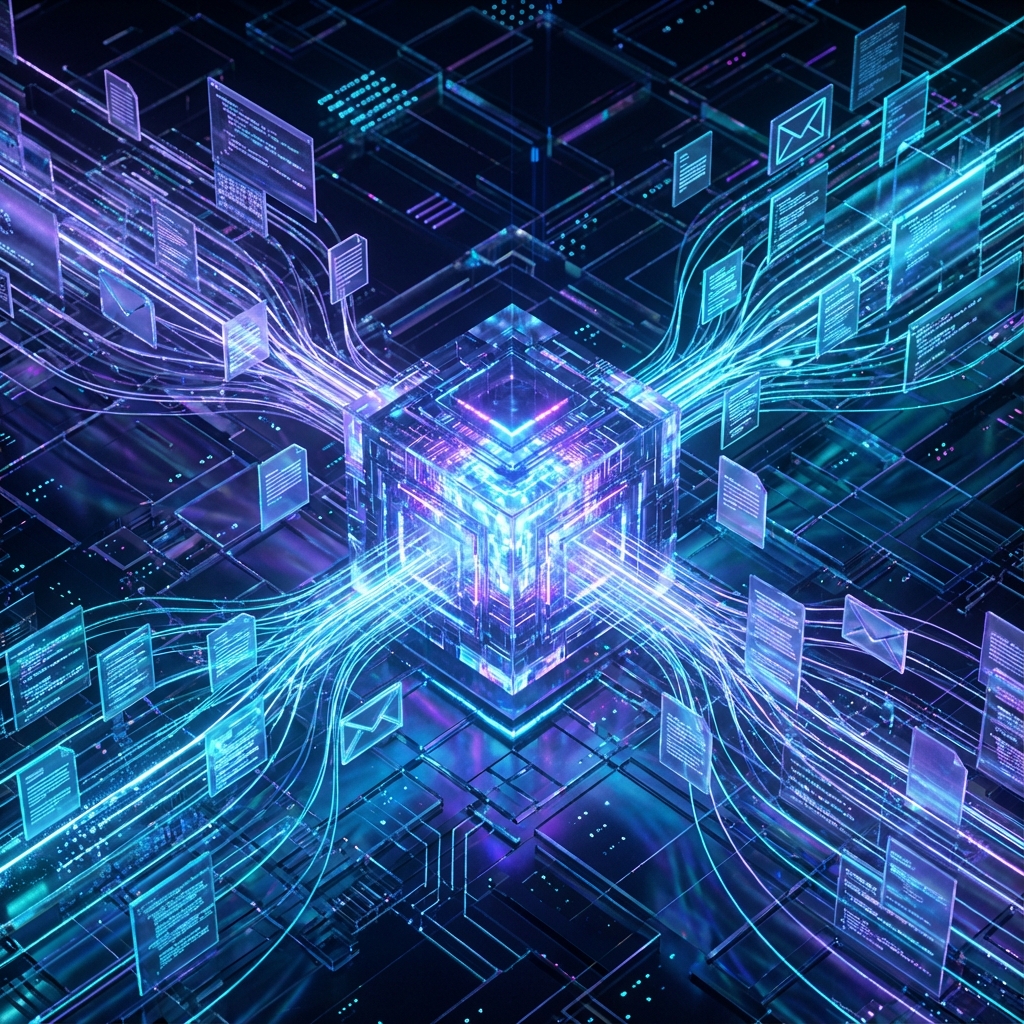
When your agents need to access Gmail or Notion, they request tokens from Auth0 Token Vault — not from your database. Your raw OAuth tokens are never stored in Londoolink.
- OAuth tokens stored in Auth0 Token Vault
- Agents operate with scoped, revocable permissions
- MFA enforced via Auth0 Universal Login
- Full audit log of every agent action
Token Vault Active
Google & Notion tokens secured
Email Agent
Reading with gmail.readonly scope only
Notion Agent
read_content scope — no write access
SMS Alert Sent
Urgent: Client demo at 3pm today